Computer Program
 LOCATION
Dharavi, Mumbai
- WHEN
All Year
- STUDENT AGE
> 14 years
- CLASS SIZE
16 Max




Computer skills are essential for further study and most jobs today. You may have limited access to computers or only basic experience, but colleges and workplaces expect you to be comfortable using technology. Without these skills, applying for courses, preparing documents, or performing well at work can be difficult.
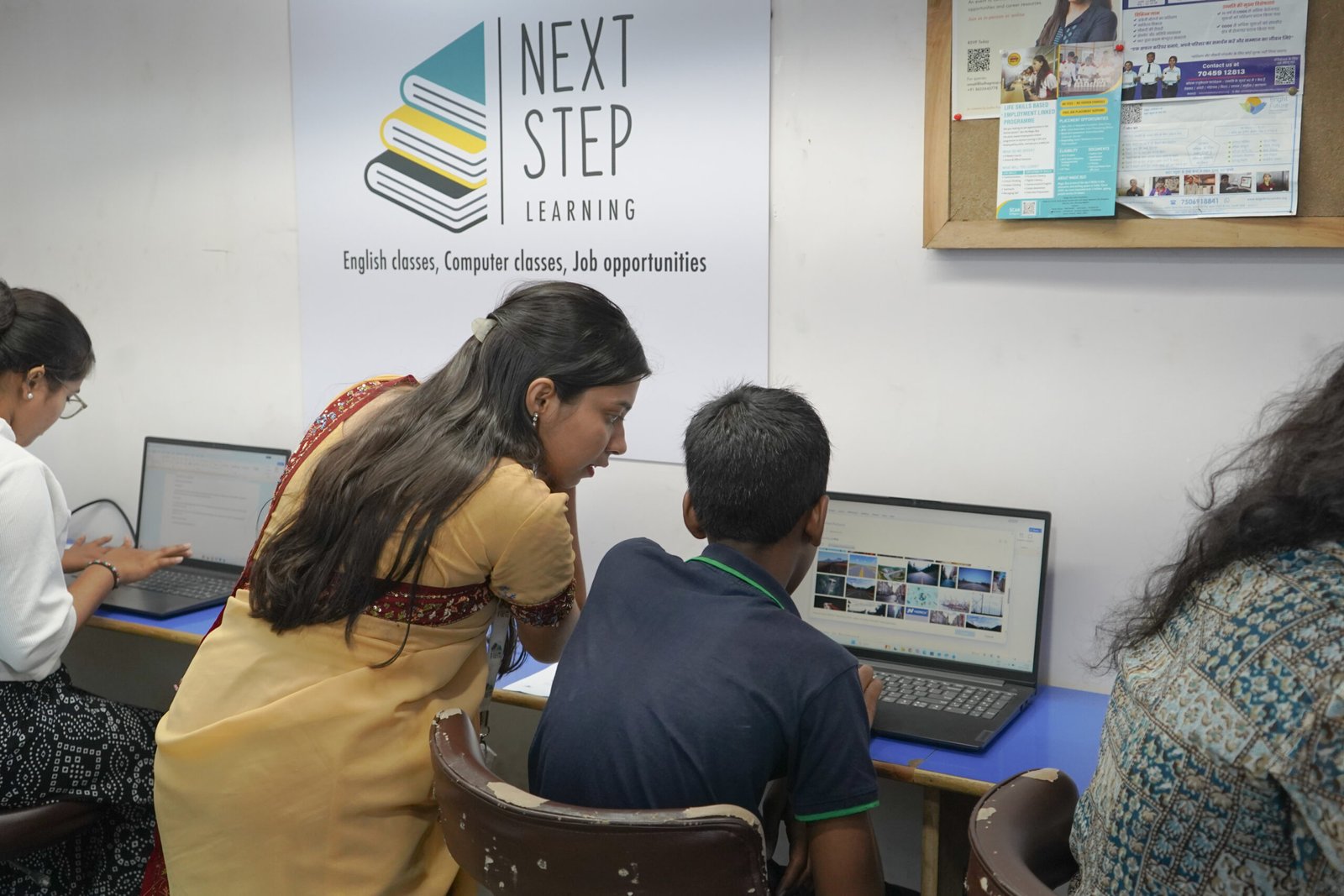
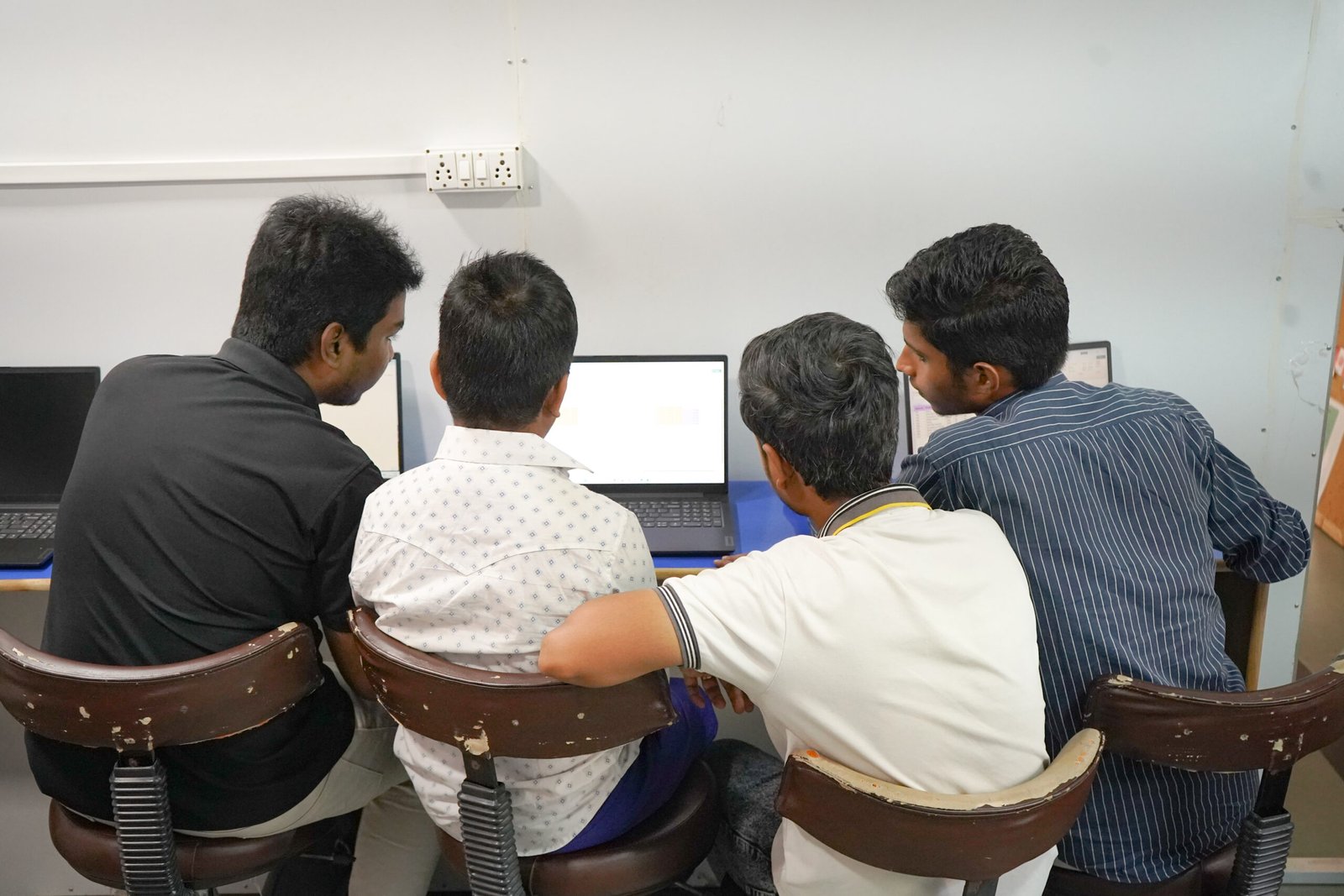
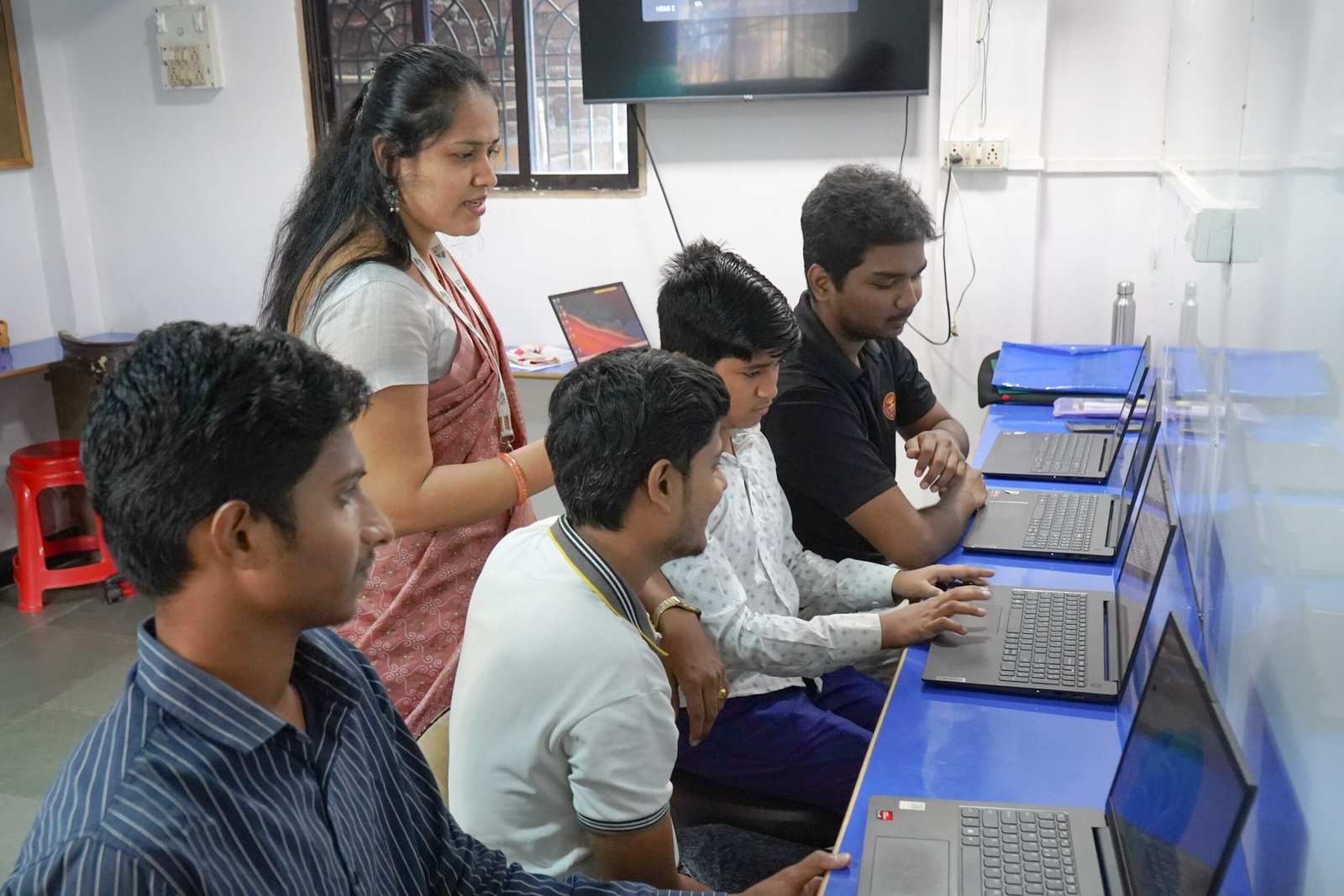
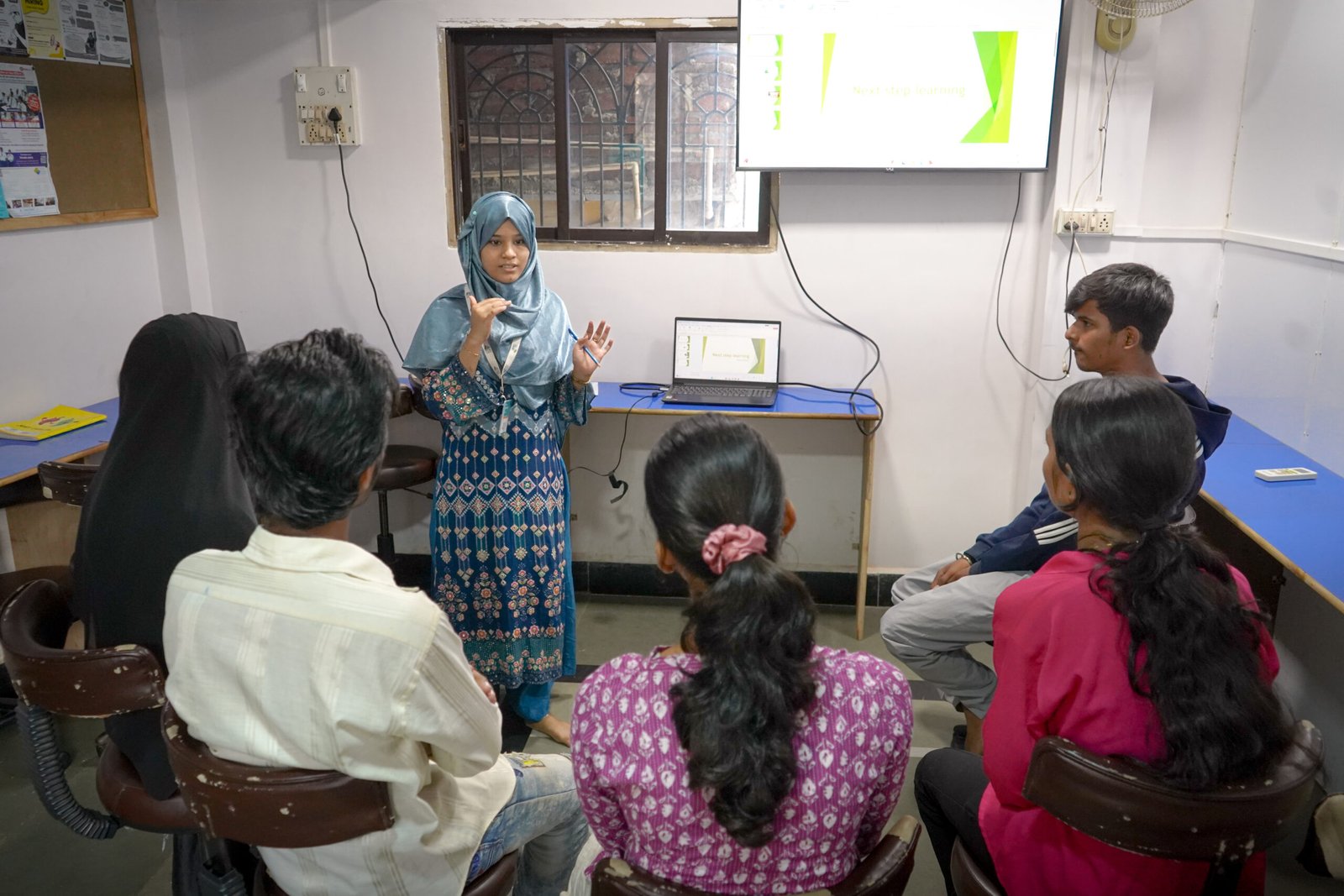
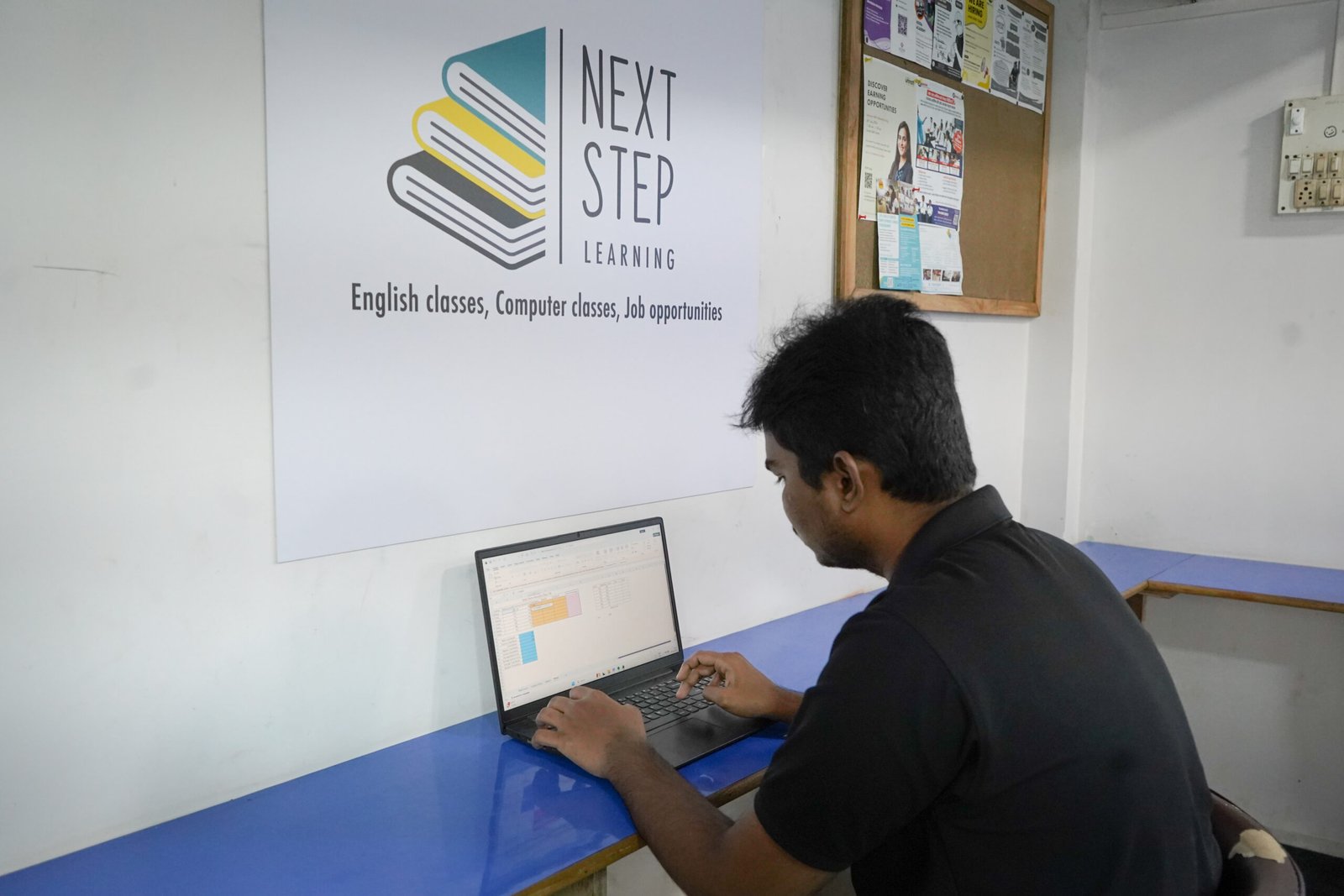
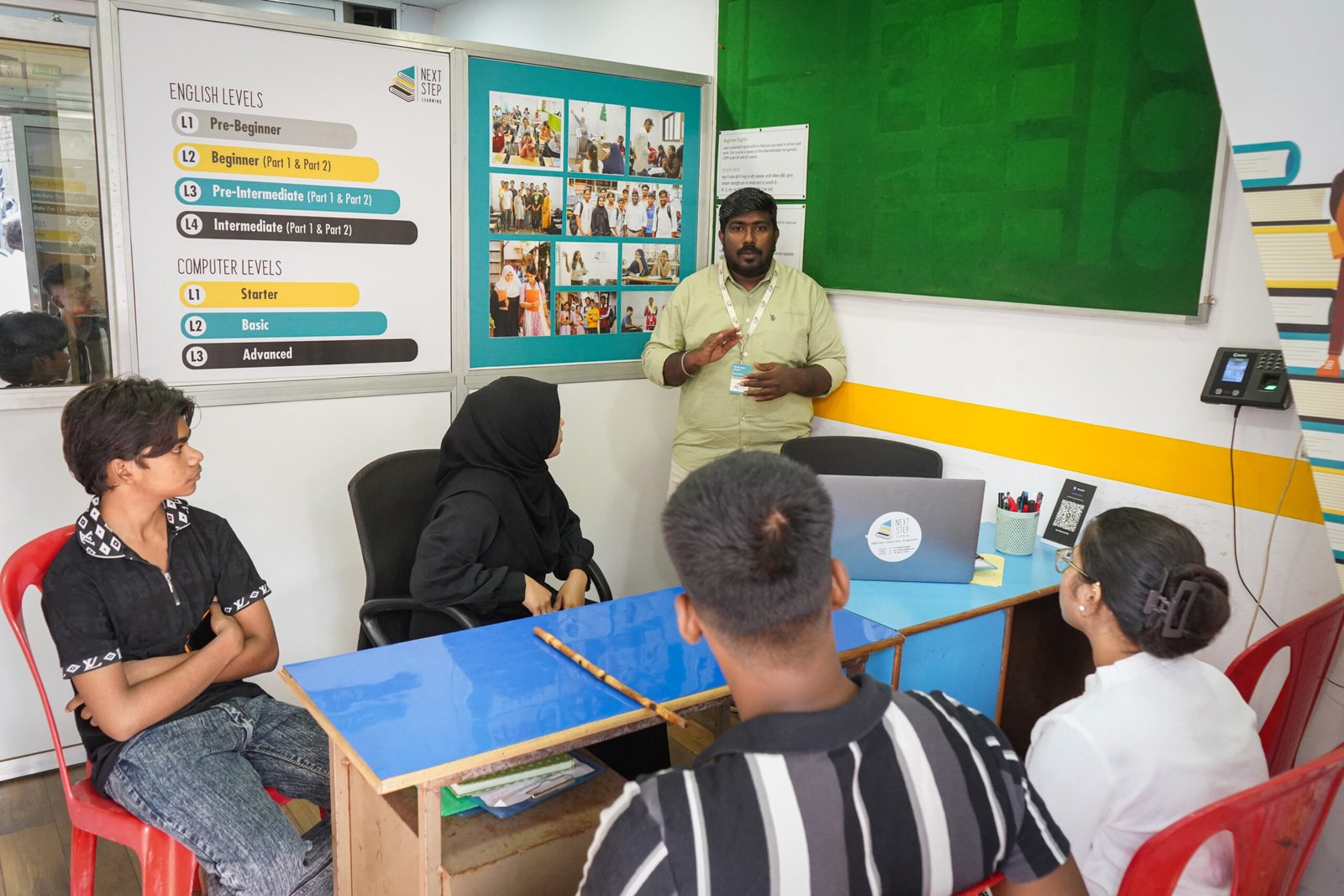
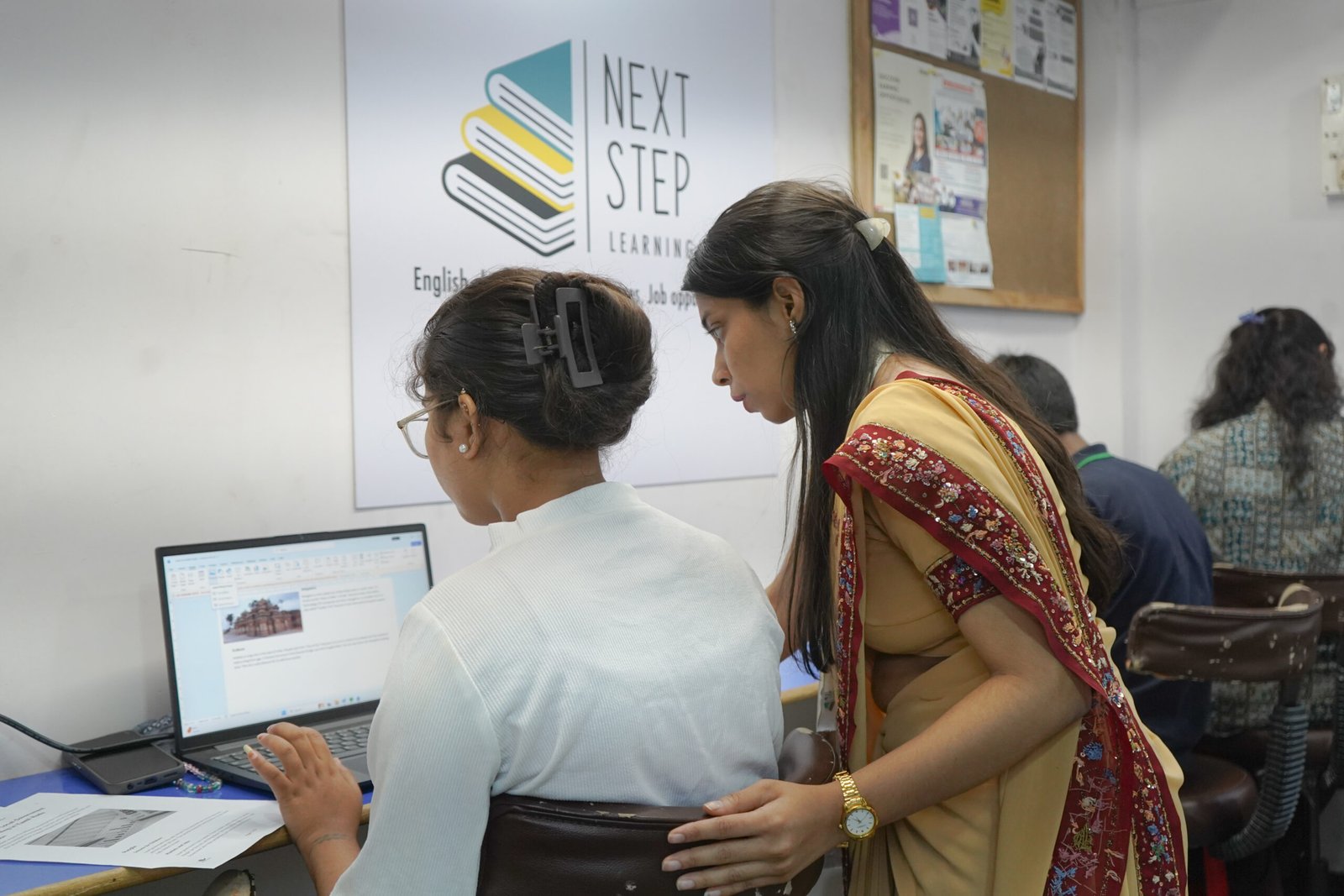
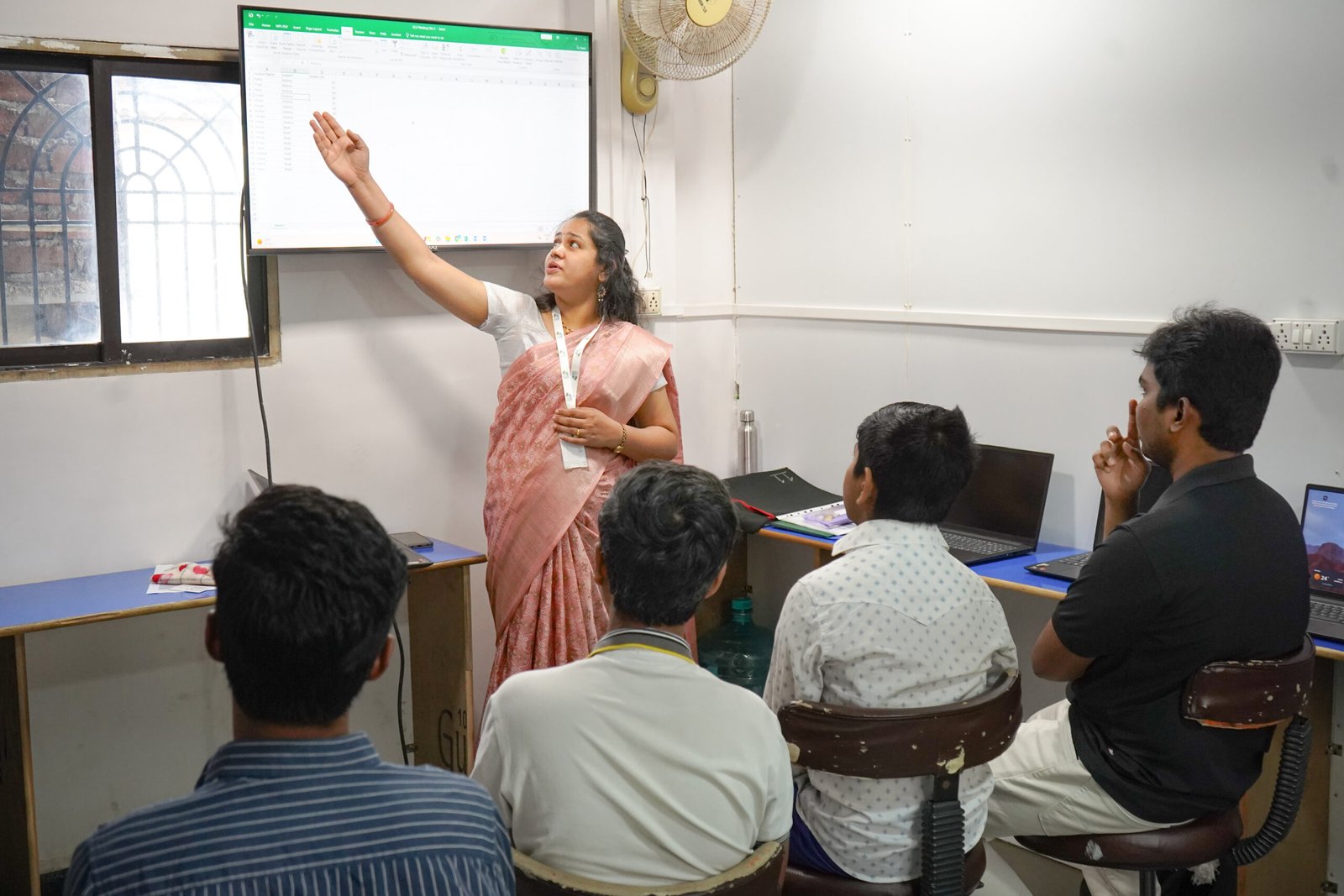
The NextStep Learning Computer Program offers courses at different levels based on your needs and goals. Classes are taught by trained teachers and focus on practical, hands-on learning. Through regular practice, you learn how to use computers confidently for studies, work tasks, and everyday needs.
Program Details
What you will learn:
- Identify basic parts of a computer (monitor, keyboard, mouse)
- Understand how a computer works in simple terms
- Turn a computer on and off safely
- Use the mouse (click, double-click, right-click, drag)
- Use the keyboard to type letters and numbers
- Open and close programs
- Understand the desktop and icons
- Create, save, and open simple files
- Basic typing practice
- Understand common computer terms
- Build confidence using a computer
What you will learn:
- Basics of Word, Excel and PowerPoint
- Create folders and files, save and open documents
- Format paragraphs, bullet points, headers and footers
- Use simple Excel formulas (SUM, AVERAGE)
- Format cells and use basic conditional formatting
- Create tables, sort and filter data
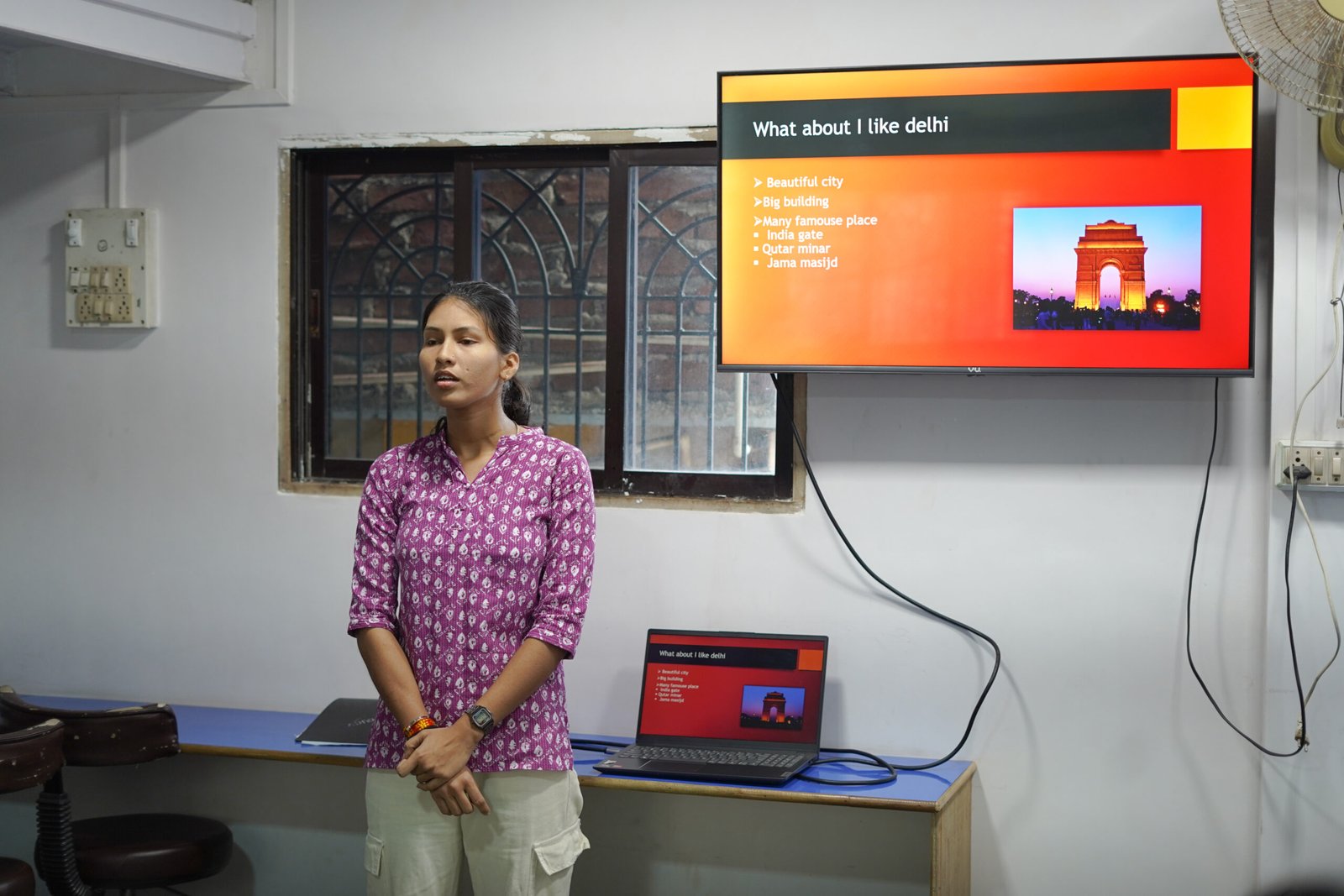
- Add images and shapes in PowerPoint
- Use slide transitions and animations
- Use presenter view and speaker notes
- Basics of using the internet
- Create and use an email ID
- Improve typing speed (WPM)
What you will learn:
- Advanced features of MS Office (mainly Excel)
- Advanced Word, PowerPoint, and internet usage
- Use keyboard shortcuts in Word and PowerPoint
- Use styles and themes in Word
- Insert shapes, screenshots and SmartArt
- Work with multiple sheets in Excel
- Sort and filter Excel data
- Use advanced and lookup formulas
- Use data validation
- Create pivot tables and pivot charts
- Improve public speaking skills
- Use cloud storage and online files
- Use Google Docs, Sheets and Slides
- Create content using Canva
- Introduction to AI tools